One product definition, from first draft to production.
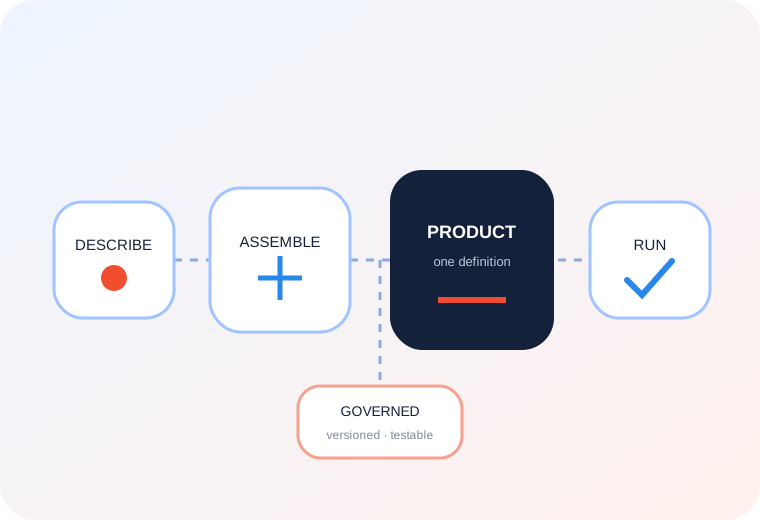
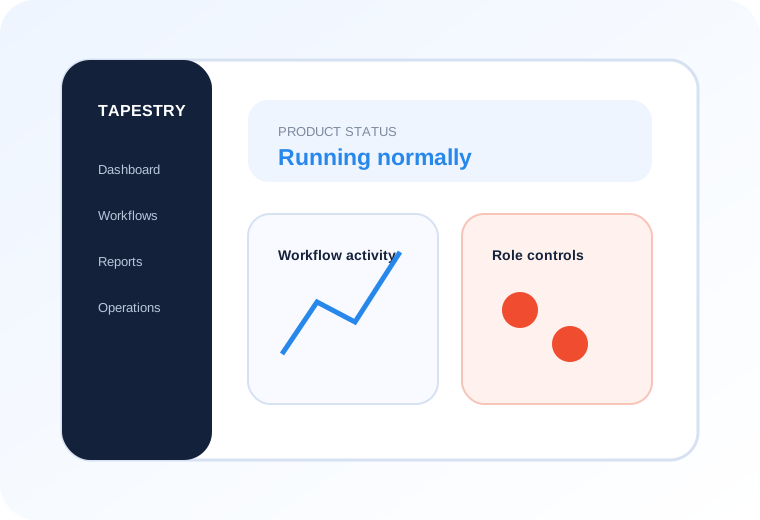
Tapestry keeps the workflow intact as teams assemble it, connect systems, configure product logic, validate behavior and move the approved version into operation.
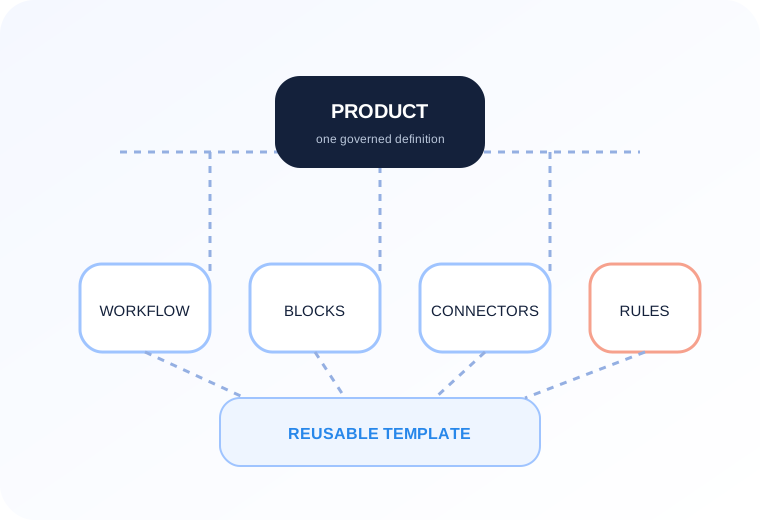
A product contains workflows. A workflow contains decisions and actions. Actions become reusable blocks, blocks combine into templates, and APIs come in as connectors.
Tapestry is where those pieces become the product.
01 DESCRIBE
Start with what the product should do.
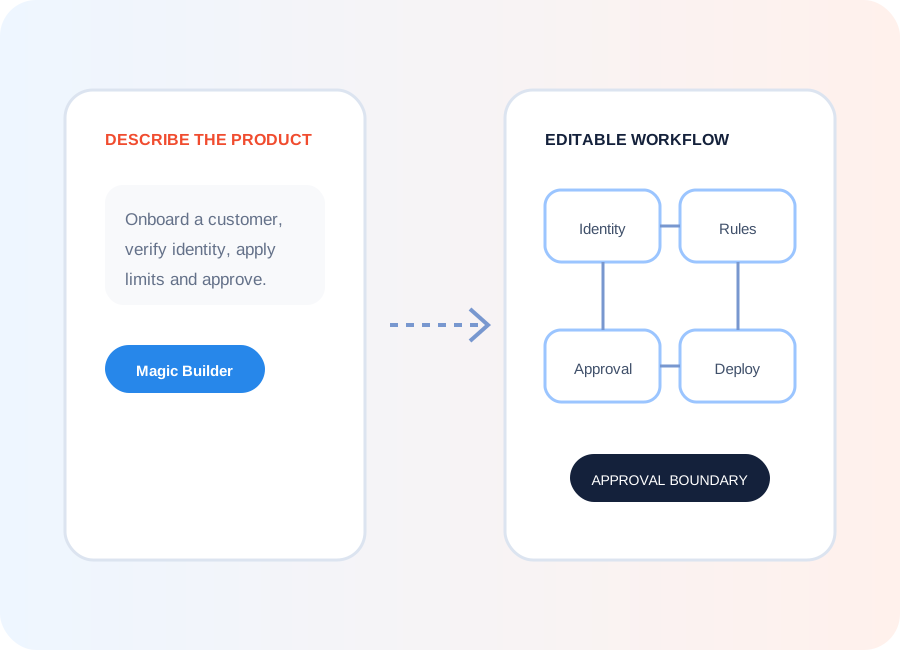
Use a configurable template where a proven product pattern already exists. For something new, describe the requirement in plain language to Tapestry’s AI.
Onboarding with review
“Create an onboarding flow with identity verification and manual review for failed checks.”
Roaming-aware journey
“Add roaming status before deciding which customer journey to serve.”
Payout with approval
“Create a payout flow with commission deduction and approval above a threshold.”
02 ASSEMBLE
Turn the intent into a dynamic workflow.
Magic Builder assembles the first version from components available on the platform. Carry on through conversation, or move to the visual canvas and work directly.
Add a block, move a step, branch it, insert a condition, inspect what enters and leaves any node.
The library holds 100+ pre-tested, versioned building blocks covering verification, decisions, transactions, notifications, files, scheduling and status changes. Everything you compose from is already built.
03 CONFIGURE
Define how this version of the product should behave.
The workflow gives the product its structure. Configuration gives it its rules.
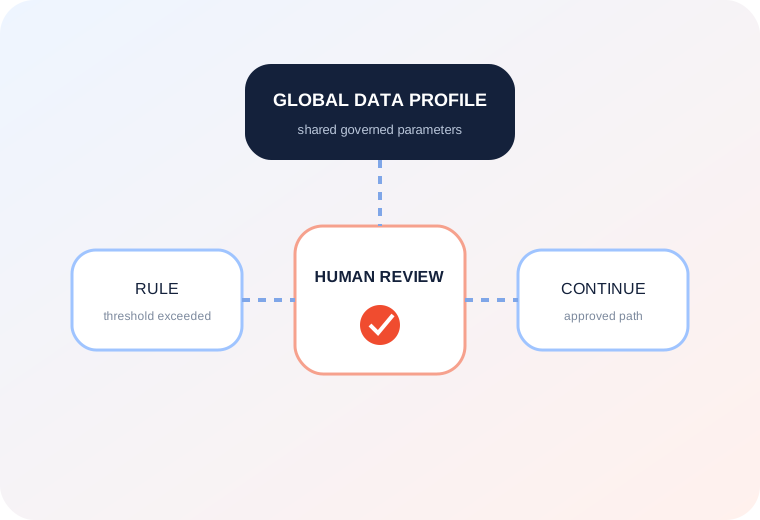
Shared values can live centrally in the Global Data Profile and be referenced by multiple workflows.
Some decisions still need human-in-the-loop. Add the review point is inside the workflow. The reviewer receives the relevant context, takes an action and the workflow continues from that decision.
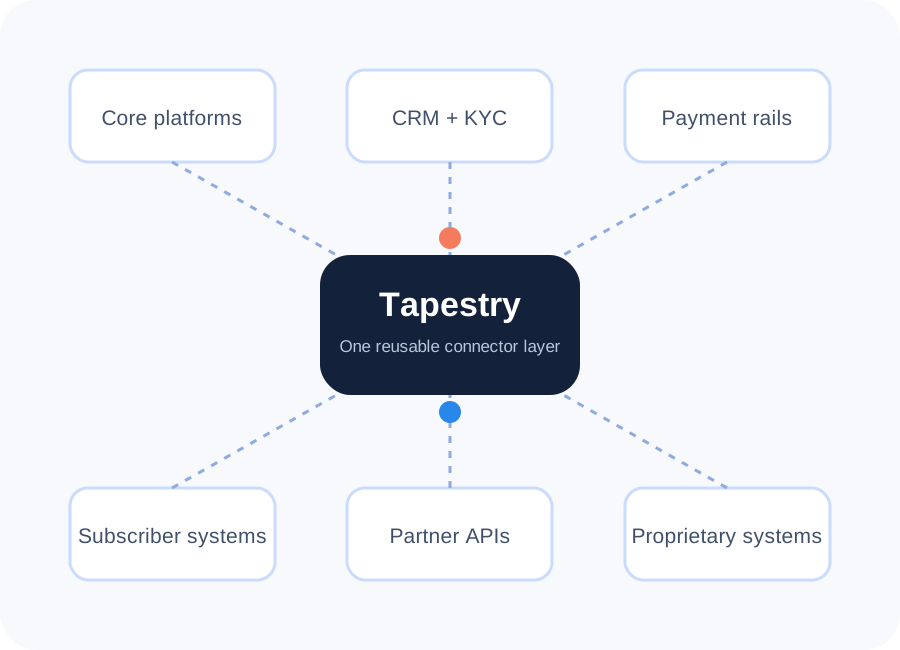
Bring the systems behind the product into the workflow.
Import internal, partner or third-party APIs as connectors. Tapestry can carry the API contract, authentication and request/response mapping as a reusable platform asset.
Tokenization, authentication and request/response mapping get handled once, and the connector is then reusable across every template and workflow that needs the same capability.
Where a provider creates a product variant for a new market, the connector is the thing that changes. The workflow around it stays as it is.
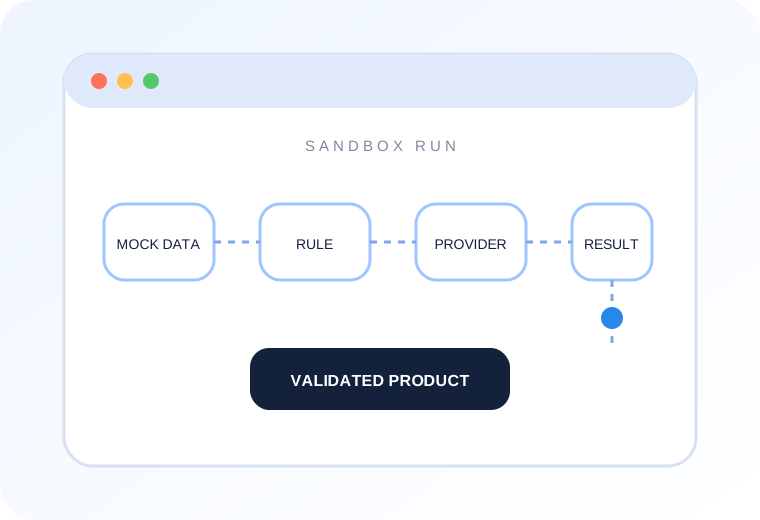
You can run the full product journey in Tapestry’s sandbox with mock data and integration simulation. You’re testing the composed product, dependencies and decisions included. Validate that the product behaves correctly as a business, not only as code.
Business teams can test and iterate without an engineering dependency.
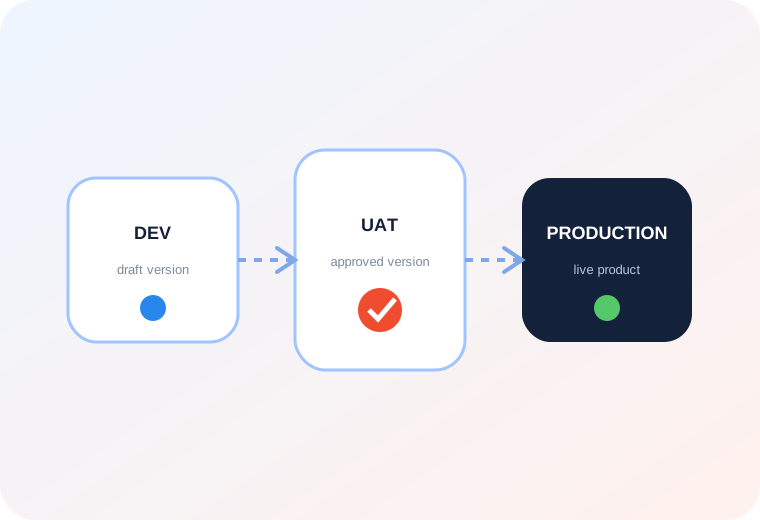
Promote the approved product, on the same platform.
Dev to UAT to production, independent per tenant. Versioning, permissions and the audit trail carry through on their own.
Clone or branch to develop a change in isolation. Roll back to any previous version. The live version keeps running while the new one is being changed and tested.
You are promoting the product definition, not rebuilding it for the next environment.
07 EXPOSE
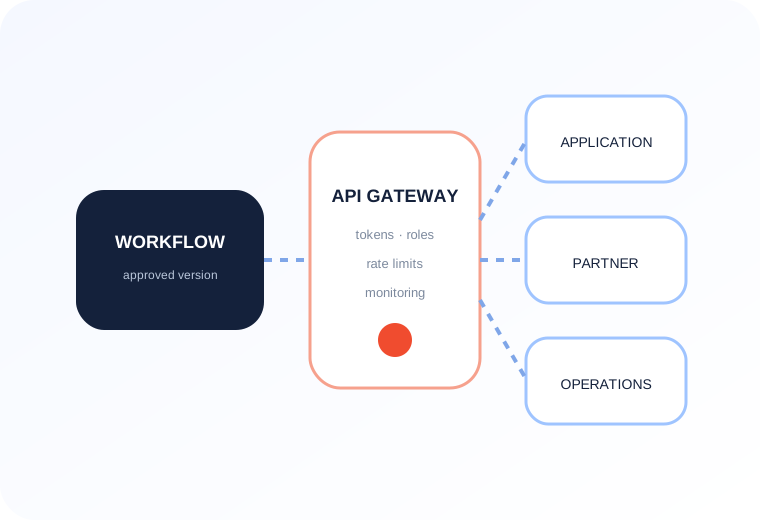
Expose finished workflows as a governed, production ready API.
Dynamic API Builder publishes any completed workflow as a secure endpoint, with generated documentation and access tokens.
Traffic routes through the gateway, where role-based access, rate limits and monitoring apply to every call. Version and deprecate on your own schedule while existing consumers keep working.
The same workflow can also run as an embedded service inside an application, or as an internal operational flow.
08 MONITOR
Product stays visible even after it goes live.
Tapestry lets you monitor, run, and change the product after it’s live, all in one place. There is no need of environment stitching, separate reporting project or a parallel release tooling.
Magic Report Builder takes the operating view you describe and builds the query against governed workflow data. No SQL or BI tool needed.
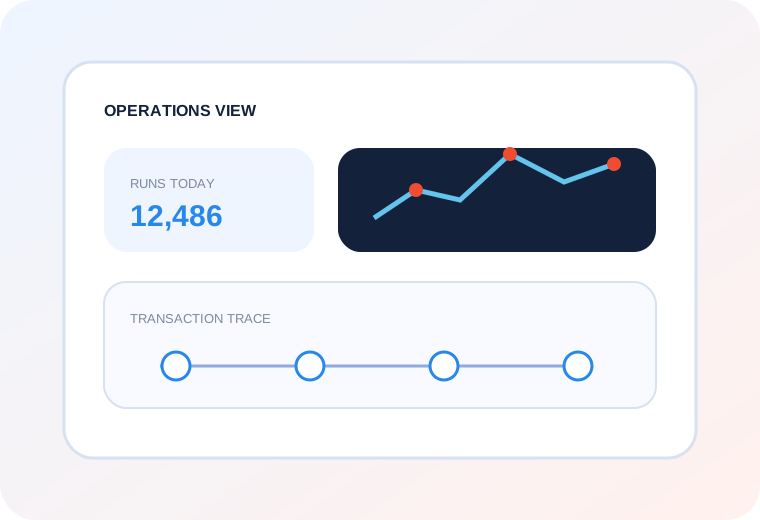
Transaction traceability follows a single execution step by step: which API was called, which rule fired, where the time went, where it failed and what happened after.
GOVERNANCE
Governance runs through the whole lifecycle.
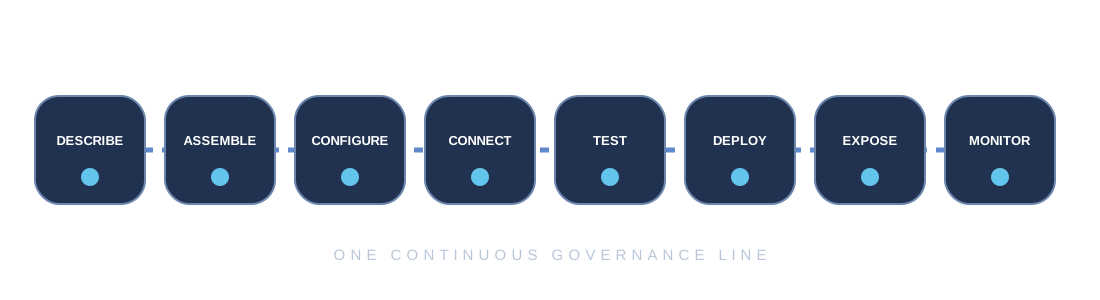
Governed templates and components at Describe. Controlled platform objects at Assemble. Shared parameters and approval paths at Configure. Managed connectors at Connect. Validation at Test. Reviewed, versioned promotion at Deploy. Access and lifecycle controls at Expose. Audit trail and execution evidence at Monitor.
EXPERIENCE CONTROL
Compose the admin experience around the workflow.
Plugins give you reusable dashboards, menus, reports and UI components, each carrying its own access rules.
Visual page designer
Visual page designer assembles screens by drag and drop, with data binding in the same place.
Navigation
Navigation controls menu structure, hierarchy and visibility by role or user.
Channels
Channels decide which interfaces can start or interact with a workflow.
OPERATIONAL AUTOMATION
The recurring work gets automated inside the workflow.
Scheduled jobs. Bulk processing at volume. File upload, download and deletion as workflow steps, with documents traveling alongside the process they belong to.
Scheduled jobs
Run recurring work on the cadence the product requires.
Bulk processing
Execute governed product work reliably at volume.
Workflow files
Carry uploads, downloads and deletions alongside the process they belong to.
MULTI-TENANCY
One platform with many operating models.
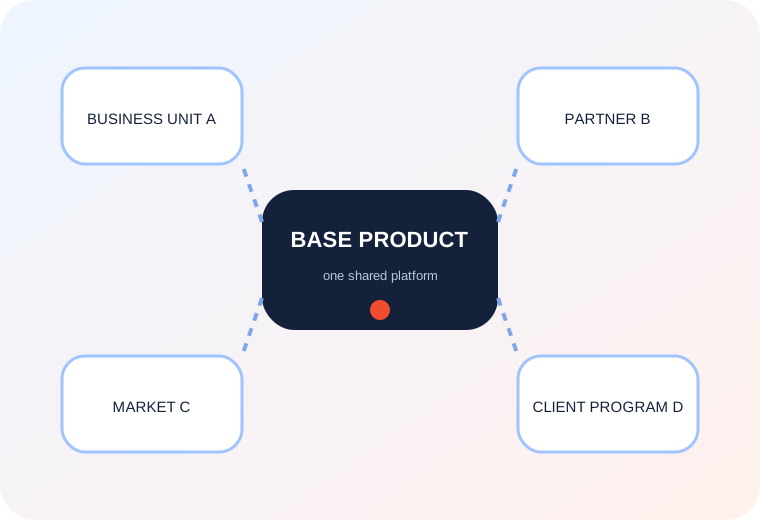
Business units, partners, markets and client programs each carry their own configuration, access, environments and workflow variants, sharing the platform underneath. No separate instances, no forks.
MULTI-TENANCY
Bring a workflow from the roadmap and build with us.